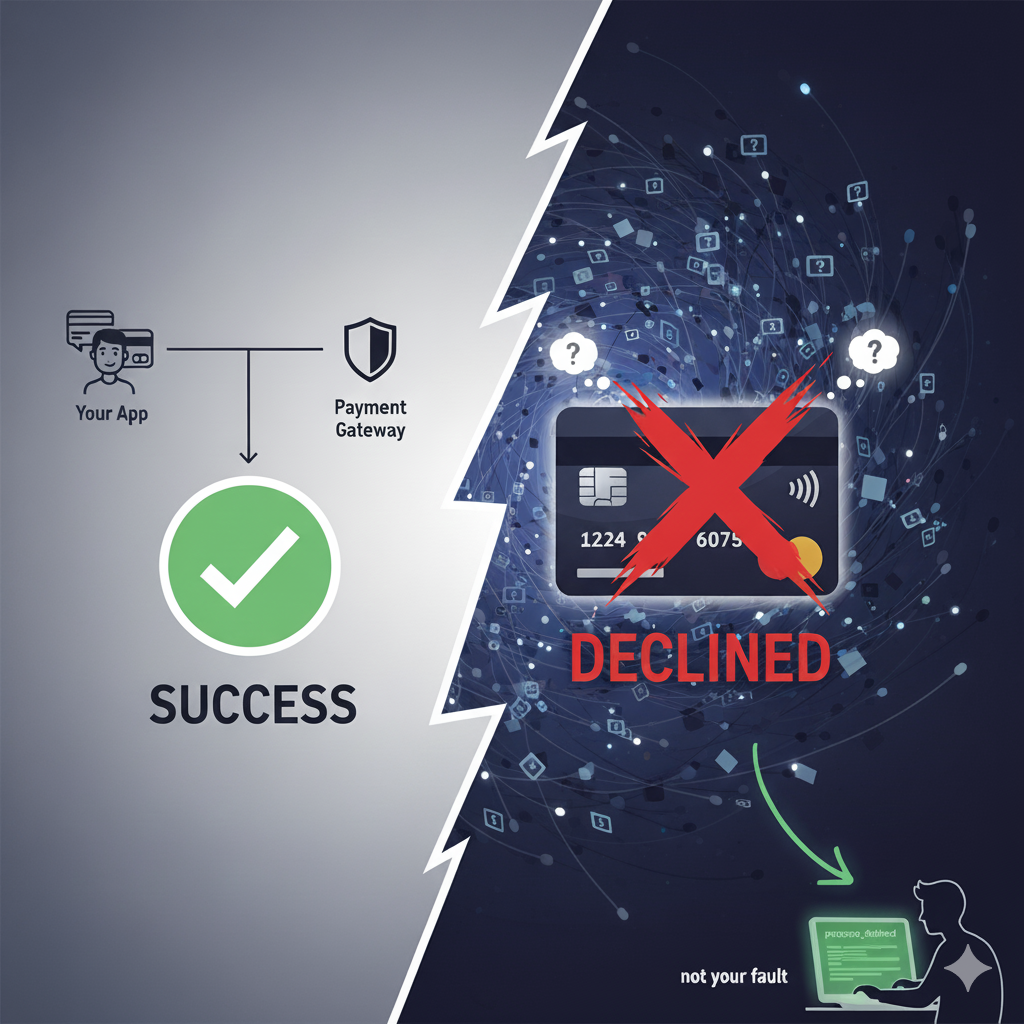
Payment Gateway Errors: Why Your Code Isn’t to Blame
Everything was working fine. Which is exactly when the universe said, “Let’s make things interesting.”
One of our customers’ payments suddenly failed — same card, same API call, same setup that had worked flawlessly for months.
I checked the logs.
Braintree’s response:
processor_declined
No explanation. No clues. Just a curt rejection from the digital void.
At first, I thought, “Great, my code is broken again.” But this wasn’t a coding problem — it was real-world payments showing their unpredictable selves.
🌈 The Fantasy vs. Reality of Charging a Card
In developer land, payments are simple:
Customer → Your App → Payment Gateway → Success ✅
In reality:
Customer → Your App → Gateway → Processor → Network → Issuer Bank → Random Fraud System → Maybe Success
Every box can say “nope,” and your processor_declined is just the unlucky messenger.
🕵️♂️ When Your Code Is Innocent But the Bank Isn’t
Here’s the juicy part.
We were using Braintree API with verify_card: true.
Cards were vaulted, charges automated and life was smooth… for months.
Then, boom — one card fails.
Customer says: “It works fine on Netflix.”
I say: “Then why are you punishing me?”
I check the Braintree dashboard — nothing.
No failed transaction logs.
No helpful error messages.
Just: processor_declined
At this point, I’m staring at logs like they’ll suddenly explain the meaning of life. Spoiler: they don’t.
🔍 Decoding the ‘Processor Declined’ Black Box
After hours of debugging, support tickets, and existential questioning, Braintree finally clarified:
- Processor declined = the customer’s bank said no. Not Braintree. Not you. The bank.
- Reasons are often generic to protect cardholder privacy — even Braintree can’t see the exact cause.
- AVS responses happen even if you don’t have rules set, they just show up in the dashboard.
- Common triggers:
- ❌ Incorrect card number or expiration date
- ❌ Insufficient funds
- ❌ Location-based restrictions
- ❌ Bank-specific fraud rules
Even if the card works elsewhere, the bank can decide this charge is “suspicious”
As Braintree said:
“Only the customer’s bank will be able to verify why the transactions are being declined. Sometimes you can tell from the response code, but the bank has the final word.”
⚡ Common Payment Misconceptions That Will Ruin Your Day
Integrating payments isn’t just writing code — it’s learning humility. Here’s what most devs miss:
- Processor declined ≠ your fault. ❌
- Banks are opaque. 🕵️
- AVS checks are sneaky. ⚡
- Retry logic is your friend. 🔄
- Be human in error messages. 📝
- Talk to support (or the customer). 💬
💡 Tips, Tricks, and Sanity-Saving Advice for Devs
Here’s my new mantra when handling payments:
- Log smarter. Differentiate between gateway_rejected, processor_declined, and failed.
- Communicate clearly with customers. Instead of processor_declined, say: “Your bank declined this transaction. Please check your card details or try another payment method.”
- Retry or try a different card. Sometimes, that’s all it takes.
- Keep support in the loop. They can guide you, even if they can’t see the bank’s exact reason.
💬 Payments Aren’t Broken. They’re Just Human.
That one failed transaction taught me more about payments than a hundred successful ones ever could.
Payments aren’t math. They’re trust — a delicate dance between you, your gateway, and a bank somewhere deciding if your $19.99 request feels safe enough.
So next time you see processor_declined, take a deep breath:
- Your code is fine.
- Your API keys are fine.
- The universe (or the bank) just said: “Not today.”
Sometimes, the solution is as simple as asking the customer to try a different card or politely nudging them to talk to their bank. And that’s okay — payments are messy, and even the best systems can’t control the human and institutional quirks behind the scenes.